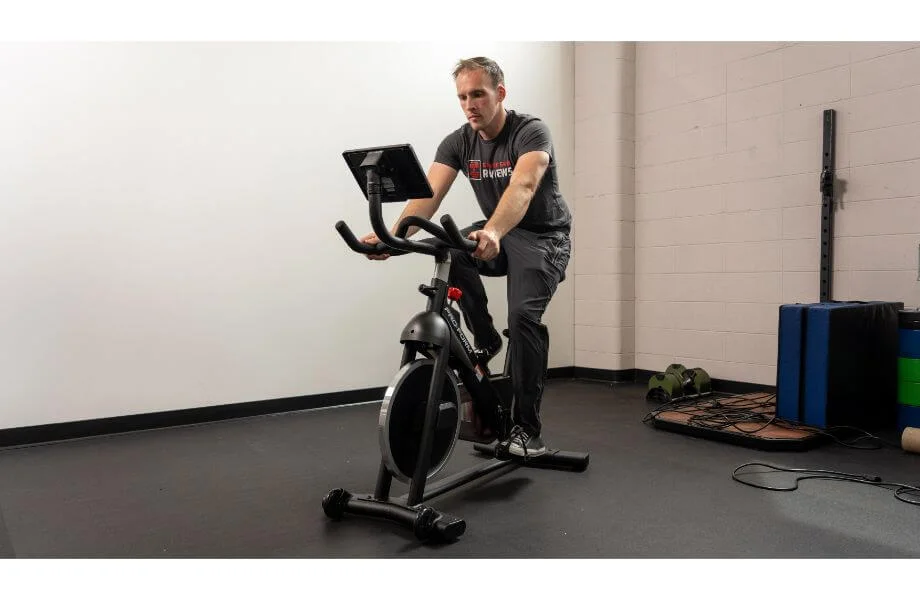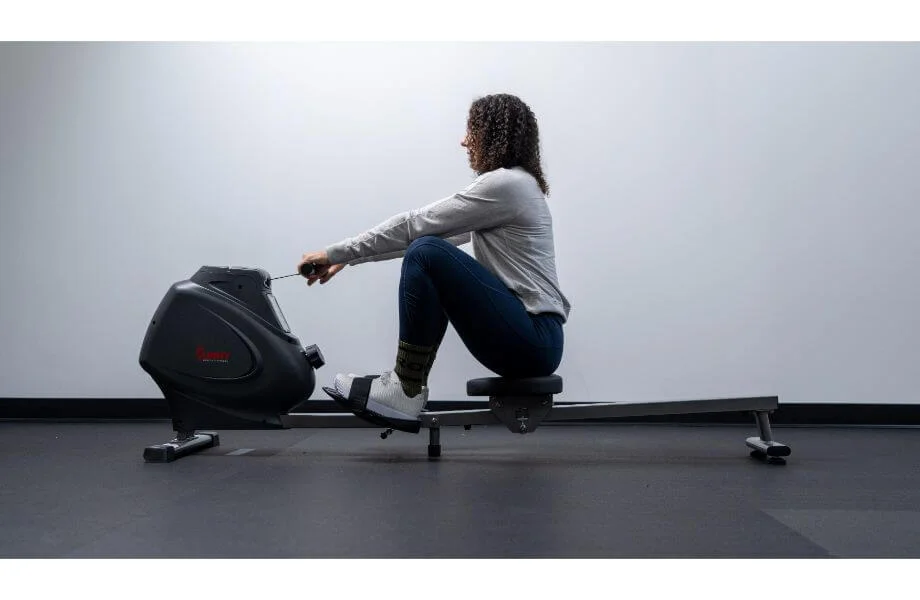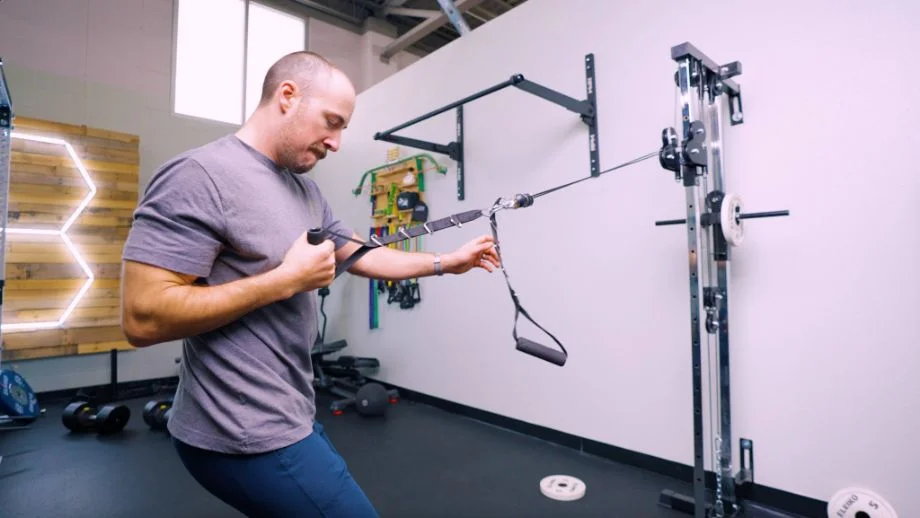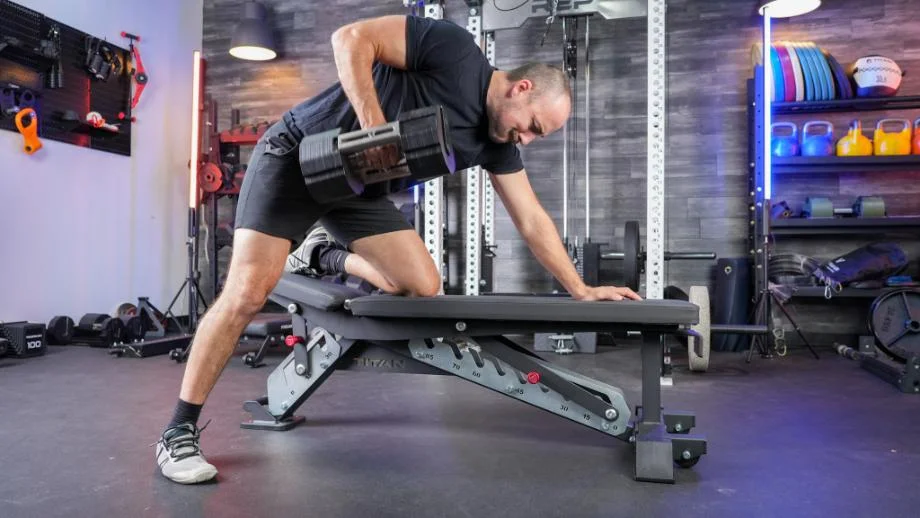
If you’re a fan of constantly varied functional movements that are performed at a high intensity, chances are you’ve stepped into a CrossFit gym once or twice, done some CrossFit exercises, or even followed the leaderboard during the CrossFit Open.
CrossFit has developed into one of the largest training methodologies in the world in recent years, amassing thousands of gyms and “boxes” across the globe. The blend of bodyweight exercises, free weights, and other home gym essentials into competitive metcons and AMRAPs has helped fitness lovers keep a competitive edge—whether at their own gym or by watching the yearly CrossFit Games.
However, with the fast pace of today, it can be difficult to find the time to get into a CrossFit gym consistently. That’s why we at Garage Gym Reviews have compiled our list of the best CrossFit apps on the market. As a former CrossFit gym owner and L-1 trainer, I know what to look for in app features and programming to get you the most out of your CrossFit training.
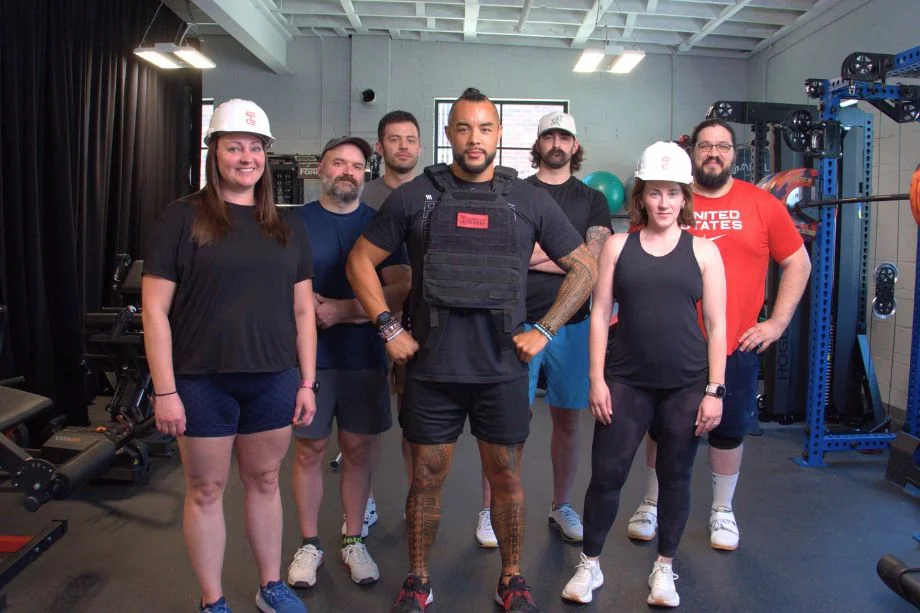
Our team of certified personal trainers, lifting coaches, and competitive athletes tested out top fitness apps of today, taking a look at aspects of each app, including:
- Ease of use and setup
- Level of instruction
- Interactive features and accountability
- Equipment demands and variety
- Pricing and overall value
These features, along with the customer experience, helped us determine the best apps for CrossFit.
The 8 Best CrossFit Apps
- Best CrossFit App Overall: Beyond the Whiteboard
- Best CrossFit App for Variety: SmartWOD
- Best CrossFit App for Beginners: Street Parking
- Best CrossFit App for Advanced Athletes: Train Hard
- Best CrossFit App for Mobility: GOWOD
- Best Budget CrossFit App: WOD Roulette
- Best CrossFit App for Community: SugarWOD
- Best CrossFit App for Tracking: MyFitnessPal
Best CrossFit App Overall: Beyond the Whiteboard
Good for: CrossFitters needing an in-depth workout tracker and access to expert programming
Beyond the Whiteboard is a comprehensive workout planning, tracking, and analysis fitness platform which includes preprogrammed plans. It offers both individual and gym subscription options but may not be well-suited for smaller establishments.
Best CrossFit App for Variety: SmartWOD
Good for: Functional fitness lovers wanting to generate or create quick WODs
SmartWOD offers both a free timer and workout generator which creates high-intensity workouts customized to available equipment. The generator does cost $54.99 but it is a lifetime purchase.
Best CrossFit App for Beginners: Street Parking
Good for: Beginners looking for expansive scaling options in their programming
Street Parking is a CrossFit-centric online programming option for people who want to achieve general physical fitness.
Best CrossFit App for Advanced Athletes: Train Hard
Good for: Advanced fitness lovers wanting challenging workouts for elite CrossFitters
Train Hard is a virtual training program designed by former CrossFit champion Jason Khalipa designed to help people get through training slumps and accomplish their fitness goals.
Best CrossFit App for Mobility: GOWOD
Good for: Athletes wanting to work on their mobility before or after training
GOWOD gives you a personalized mobility routine based on your problem areas after an initial assessment. Although the app prioritizes improving mobility for CrossFit training, the mobility workouts can be used for a variety of training methods—strength training, bodybuilding, or sport specific training. You can choose the length of each routine to fit into your daily schedule as well.
Best Budget CrossFit App: WOD Roulette
Good for: Functional fitness lovers needing an inexpensive WOD generator
WOD Roulette offers thousands of random WODs, including benchmark, Open, and even hotel-specific metcons, with the click of a roulette button and a shake of your phone. There are no preset training options so may not be a good fit for those with specific fitness goals.
Best CrossFit App for Community: SugarWOD
Good for: CrossFit enthusiasts wanting an online community for support
SugarWOD is a mobile app that gives you access to daily CrossFit workouts, but it can also connect you to a CrossFit gym—if you’re a member. It’s free to athletes, and in addition to following WODs, you can log your own workouts as well. It has a robust community as well, with people able to compare WOD scores and like and share workouts.
Best CrossFit App for Tracking: MyFitnessPal
Good for: Those wanting to track workouts, strength gains, and macronutrients
MyFitnessPal is one of the OG calorie counting apps on the market. The free version is available for looking up food per item and creating recipes, but does not allow you access to the barcode scanner. The Premium version grants you access to macronutrient data, intermittent fasting, food comparison, and the barcode scanner. The Premium plan offers a significant price break if you sign up for the annual plan at $79.99 per year compared to the monthly plan, which is $19.99 per month.
Other CrossFit Apps We Researched and Tested
We took a look at other fitness and CrossFit apps, and while there are many great options, not every app made our list. Here are a few honorable mentions:
- CompTrain: Designed by Ben Bergeron, owner of CrossFit New England, CompTrain is extremely popular programming amongst CrossFit gyms. However, this is one of the higher priced options for CrossFit programming, at $39 a month.
- PRVN60: This quick CrossFit training program is written by Shane Orr, coach of six-time CrossFit Games champion Tia Toomey. The program is great, but is only offered through other apps: Beyond the Whiteboard or TrainHeroic.
- HWPO: Standing for “Hard Work Pays Off,” this mantra and program is developed by five-time CrossFit Games champion Mat Fraser, and has eight different tracks of programs for all fitness levels, including 60-minute workouts, strength programs, and workouts for elite athletes. Pricing can be a bit steep depending on the program, however, with some tracks costing $80 a month.
- WODster: Similar to SmartWOD, WODster is a WOD generator, but doesn’t allow a filter to select workouts like SmartWOD in the free version. The premium version allows it, but the free version only provides a random generator.

How We Picked and Tested
Our team at GGR has tested over 50 workout and fitness apps to date. In deciding our list of the best apps for CrossFit, we looked at several aspects of these fitness apps, including the following factors:
- Trial period: Is the trial period long enough to get a feel for the app, and are all features available in the trial version?
- Pricing and value: The pricing can vary from app to app, but should make sense for the features the app offers. CrossFit apps can vary from free to as high as $40 or $50 a month for expert programming.
- App setup: How easy is setting up the app? Typically, apps require making a quick profile and answering a basic assessment, and shouldn’t require much more.
- Ease of use: Navigating the app should feel intuitive, and tabs and sections should be pretty easy to find and choose between.
- Accountability: What methods does the app use to keep you motivated and accountable? Apps can connect you with a coach, set up notifications, and schedule reminders to help you stay on track.
- Instruction: For each workout, exercises should be explained clearly, often with text and a video. Additionally, CrossFit apps can also explain the target goals of a training program.
- Equipment demands: Because of the variety of CrossFit workouts, most CrossFit apps will require a decent variety of equipment, from Olympic barbells to pull-up bars and dumbbells. Still, the best CrossFit apps will offer options for limited equipment, as well as offering bodyweight exercises.
- Workout variety: CrossFit bases its training methodology on variety, so most apps should offer a good amount of variety, from bodyweight movements to strength training and cardio.
- Interactive features: Does the app provide features for a community? Many apps will have social media features, such as the ability to like and comment on other people’s workout posts.
Along with looking at customer service and reviews from actual users of the app, we narrowed down our list to the choices above for the best CrossFit apps.
Benefits of CrossFit Apps
There are a few reasons you might opt out of a CrossFit gym membership and instead do your own workouts in your home gym with a CrossFit app. Here are some of the major reasons you may want to use a CrossFit app.
RELATED: Home Gym vs Gym Membership
Convenience
With responsibilities in life like work and family, making it out to a commercial or CrossFit gym can be difficult. Setting up a home gym is a great alternative to a gym, but it still takes time to decide what to do each day.

A CrossFit app can provide convenience in that you can have a workout at your fingertips, ready to do at your house at a moment’s notice. You won’t need to block off a couple of hours for a commute to the gym and training.
Money Saver
As much as I like CrossFit gyms, one of the toughest realities of them is that they are expensive, with some costing as much as $200 a month just for a membership. While a lot of this is explained by hands-on group coaching, for some people, the price just isn’t in their budget.
Looking at CrossFit apps, this can be a much more affordable option, with the pricier apps costing $40 monthly, although most are $20 or less. That monthly price can be a much cheaper option, especially for those with a garage gym and equipment already.
RELATED: Best Home Gyms Under $500
Expert Instruction
One of the most appealing features of CrossFit is its variety of exercises, reps, and workouts. However, from an athlete’s perspective, each WOD can appear to have no method behind its madness. However, the best CrossFit apps provide programming by CrossFit experts, both expert coaches and top athletes.
With programming from a certified CrossFit trainer, you can be sure that each training cycle will work on improving skills and strength, and that the workouts will help accomplish those goals.

What to Look for in CrossFit Apps
Looking for just the right app for your next AMRAP? Here are a few basics to look for when picking an app for CrossFit.
Ease of Use
Some apps can have lackluster navigation, and you may take longer finding a WOD than actually performing the Workout of the Day. Make sure that the app you choose has a reasonable amount of ease while using it, and that even if the learning curve is a bit much, navigating the app becomes intuitive over time.
Programming
CrossFit apps can vary in their programming and you should know which kind you want for your workouts. Some are WOD generators, where the app will create or generate a CrossFit workout, either a unique workout or a CrossFit benchmark, like Angie or Fight Gone Bad. These are great if you’re looking for a one-time workout to do.

Other apps will give you access to programming, provided by expert CrossFit trainers and athletes, such as CompTrain, Train Hard, or PRVN. These programs will have a good amount of instruction for the workout and individual movements, as well. If you’re wanting extended programming that’ll follow progressive overload or work on gymnastics skills, this is probably the best route to go.
Online Support
One of my favorite things about CrossFit gyms is the camaraderie of the members of the gym with friendly competition during each daily workout. Some of the best workout apps have a similar support and community. CrossFit apps can help you compare WOD results with other users, as well as post, share, and like other people’s workouts. An app with good support online can bring the CrossFit community right to your home gym.
Best CrossFit Apps: FAQs
Is there an official CrossFit app?
There is an official CrossFit app, called the CrossFit Games app. This app keeps you updated on the latest news and updates on the CrossFit Games and qualifying events leading up to the event, along with a leaderboard of athletes.
Is 20 minutes of CrossFit enough?
Typically, any workout time will get you closer to your fitness goals, so in a broad sense: Yes, 20 minutes of CrossFit can be enough. However, CrossFit bases its methodology on constant variation, which also includes the timeframe. Although CrossFit classes at a gym will typically be an hour, that includes warm-ups and cool-downs. The workout itself can be 20 minutes, longer, or even shorter.
The high intensity training of many CrossFit workouts will allow people to get a lot of work done in a short amount of time, so you’ll be sure to get your heart rate up and burn some calories in that short workout.
What are the top-rated CrossFit workout apps for tracking progress and routines?
There are a variety of workout apps that can be used for CrossFit, depending on your goals: programming, workout tracking, or WOD generating. Here are our picks for the best CrossFit apps:
-Best CrossFit App Overall: Beyond The Whiteboard
-Best CrossFit App for Variety: SmartWOD
-Best CrossFit App for Beginners: Street Parking
-Best CrossFit App for Advanced Athletes: Train Hard
-Best CrossFit App for Mobility: GOWOD
-Best Budget CrossFit App: WOD Roulette
-Best CrossFit App for Community: SugarWOD
-Best CrossFit App for Tracking: MyFitnessPal